

How the kit works for a race organiser, from one race a year to a whole calendar. Everything here is the Events half of the RacerPacer plugin, with Route Maps for the course maps. Every picture is from the event demo: Wildstride, a made-up outfit with twelve race weekends a year.
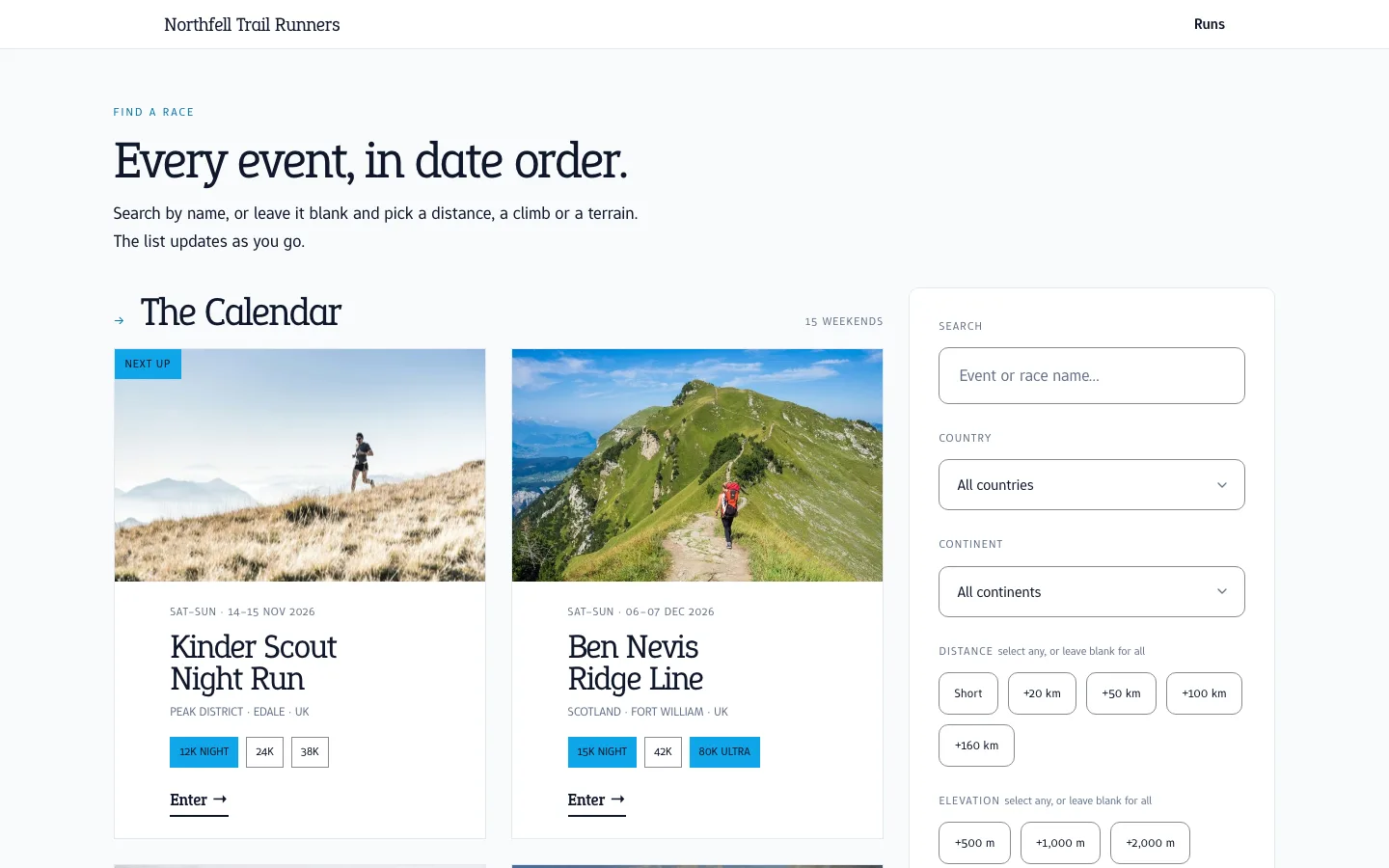
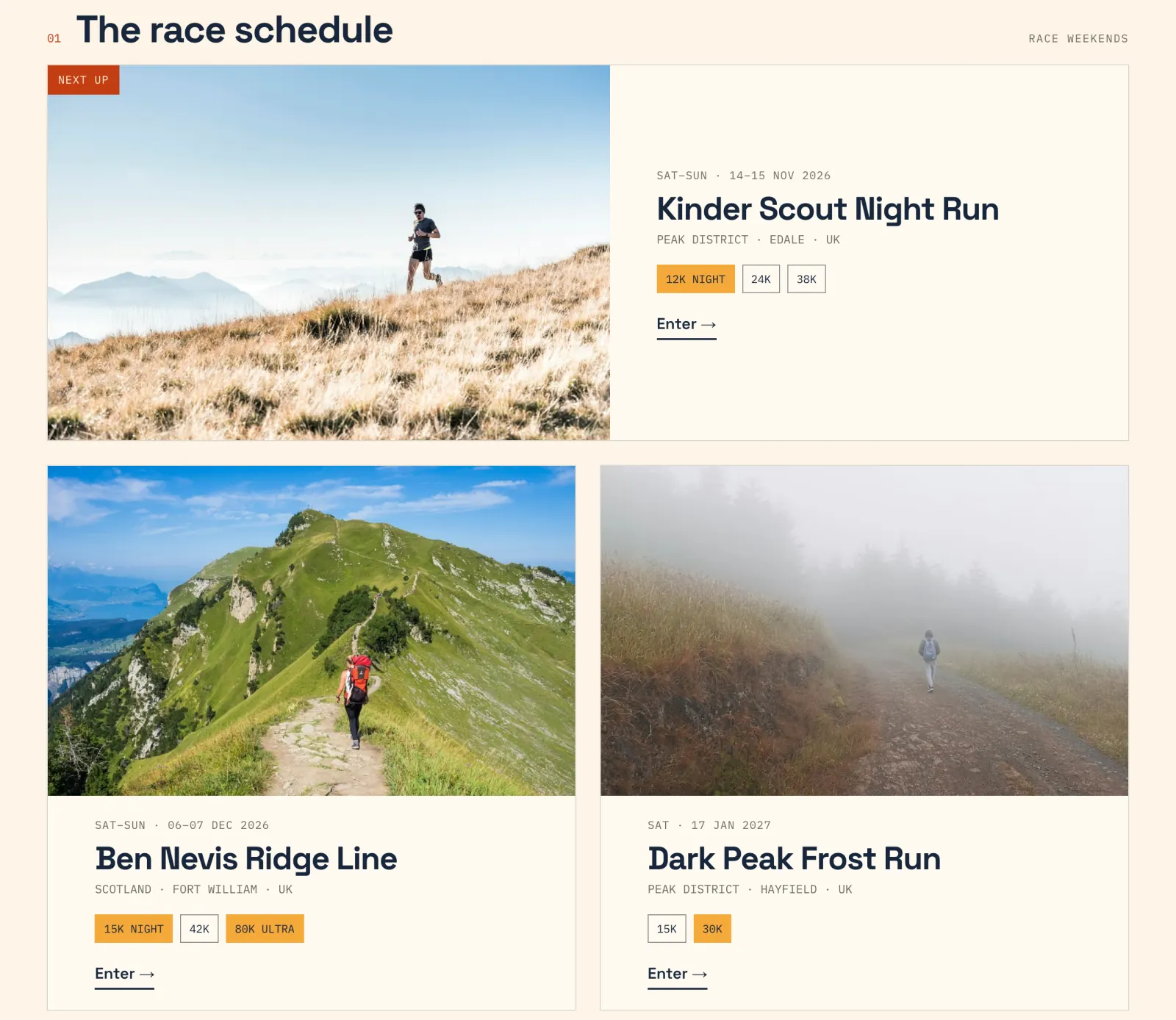
Race weekends
One event is one edition of one weekend, say the 2026 running, and it carries the whole life of the race: the announcement, the races, race day and what happened.
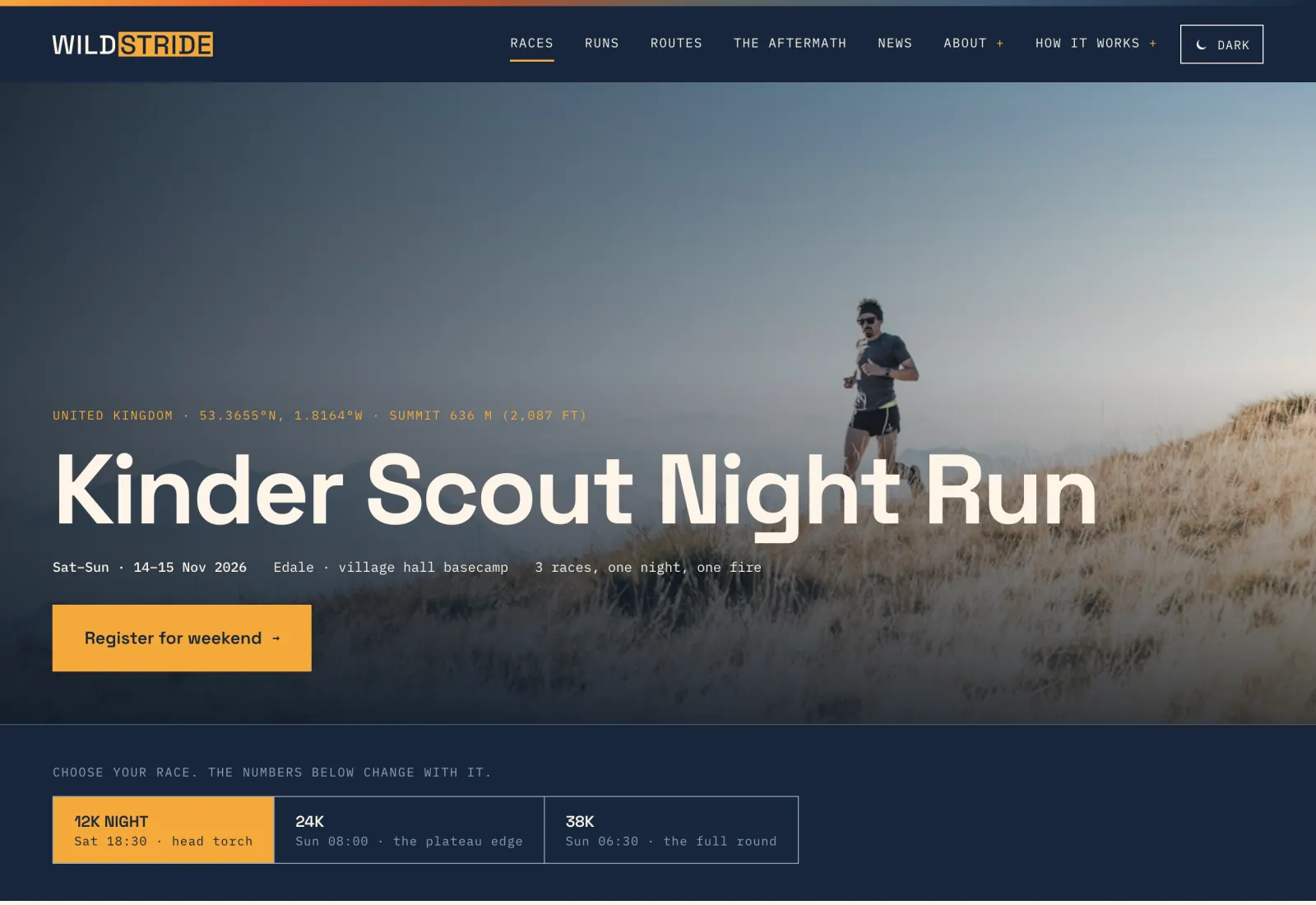
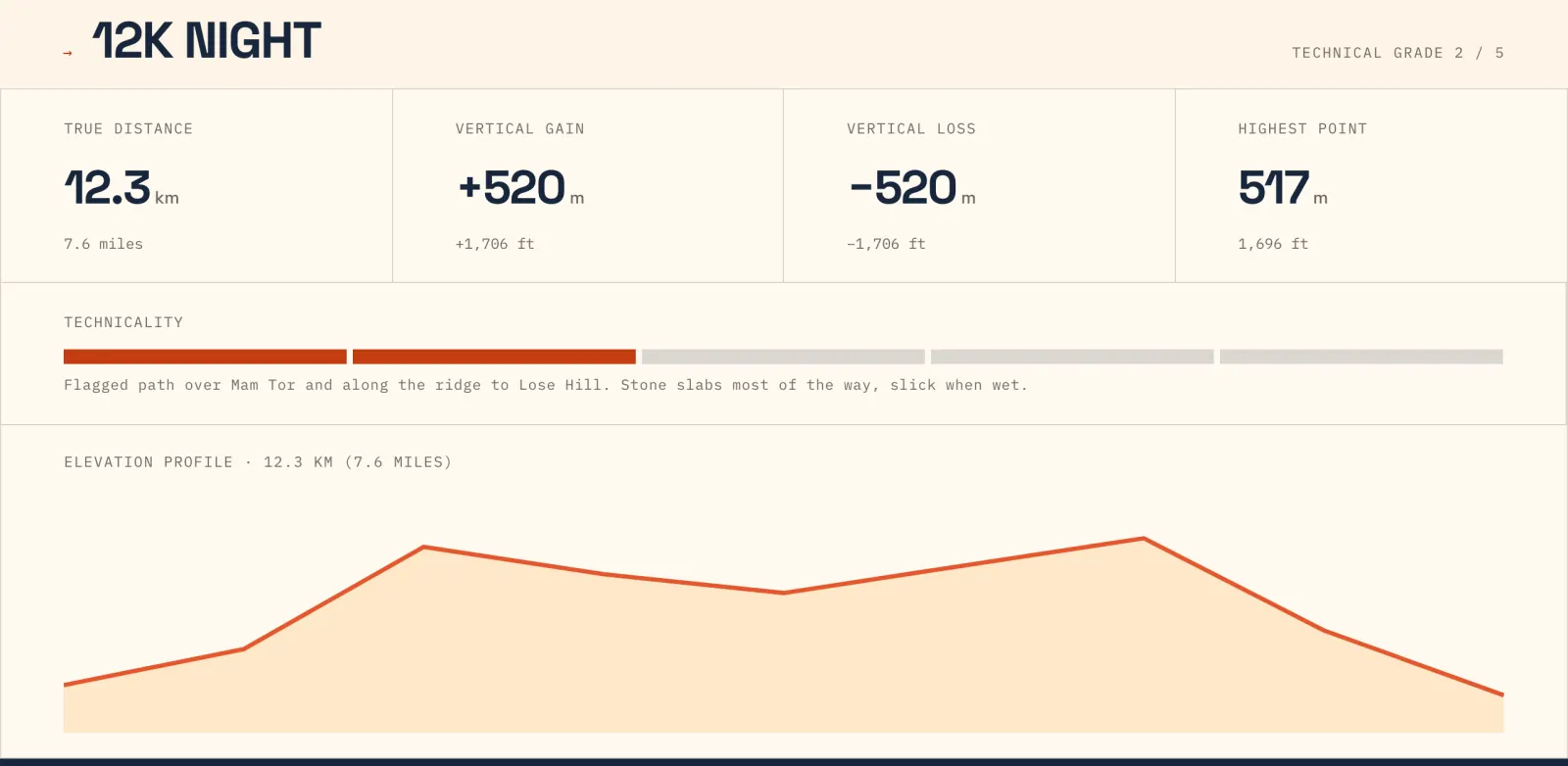
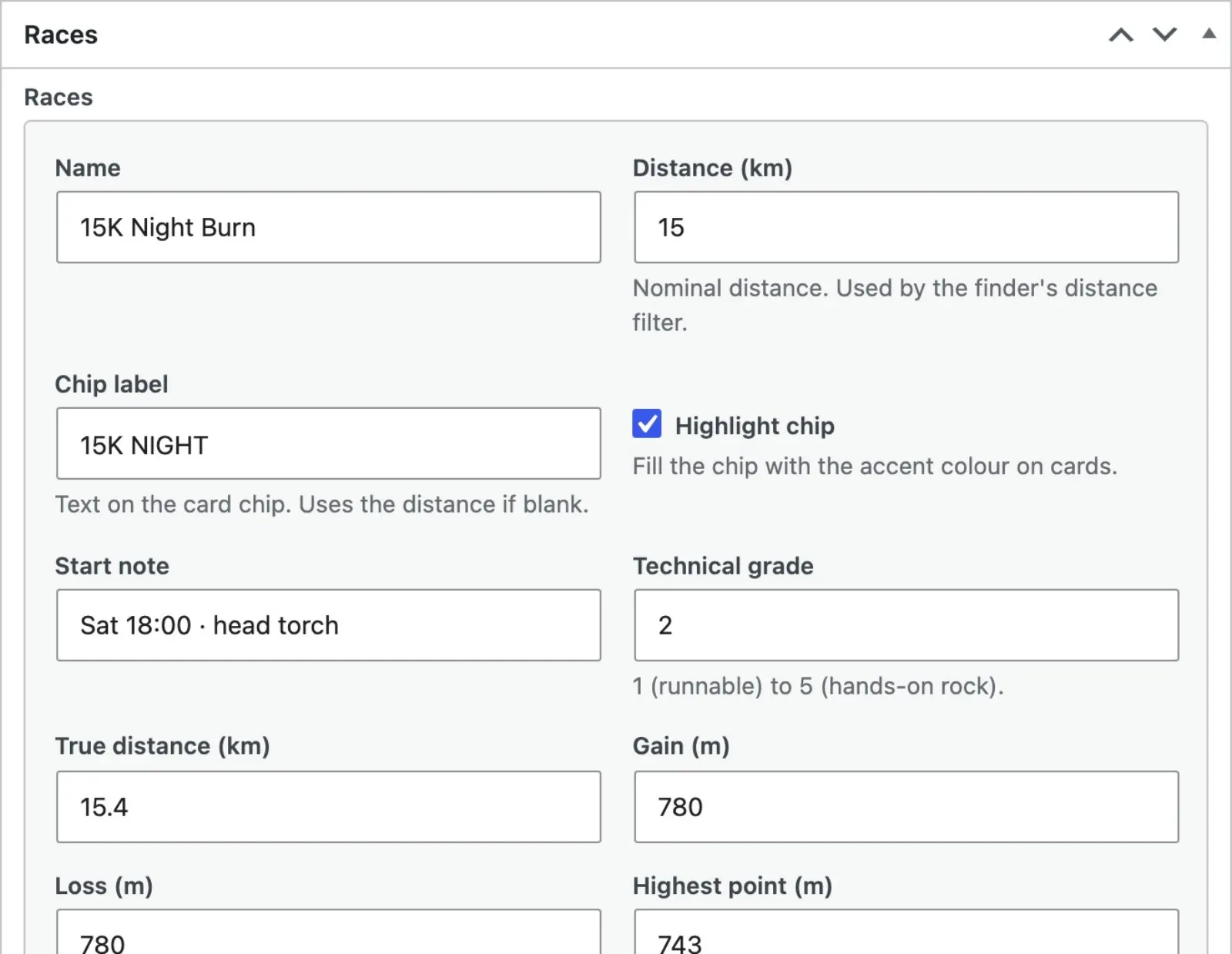
Each race has a name, the distance and true distance, gain, loss and highest point, a technical grade from 1 to 5, a start time and note, a terrain note, the GPX and the kit list. Pick a race at the top and the numbers below change with it.
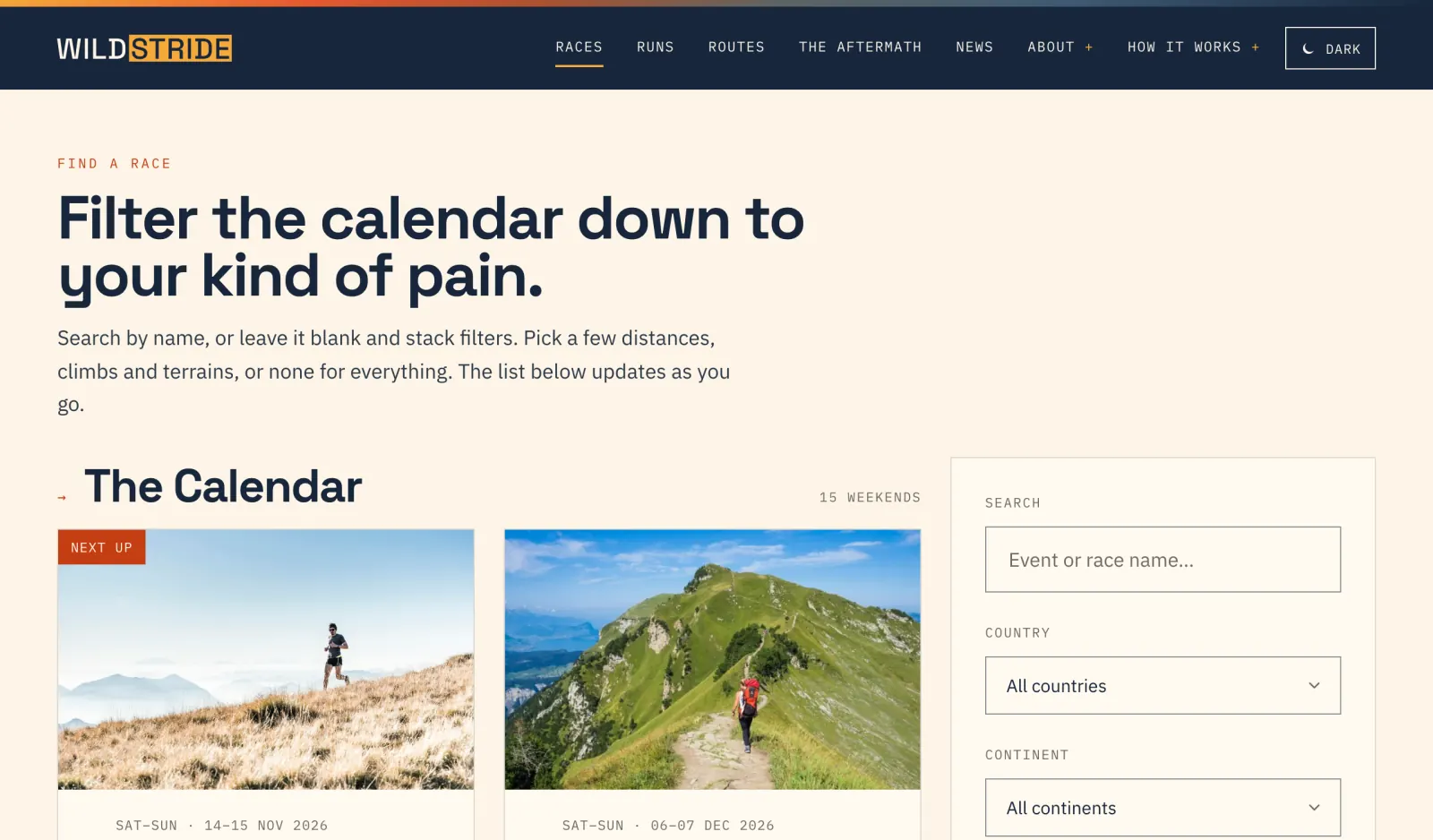
The race finder
A page of every event, with filters for name, country, continent, distance, climb and terrain. A filter that couldn’t narrow your events down leaves itself out, so a calendar in one country doesn’t get a country box.
Runner info pack
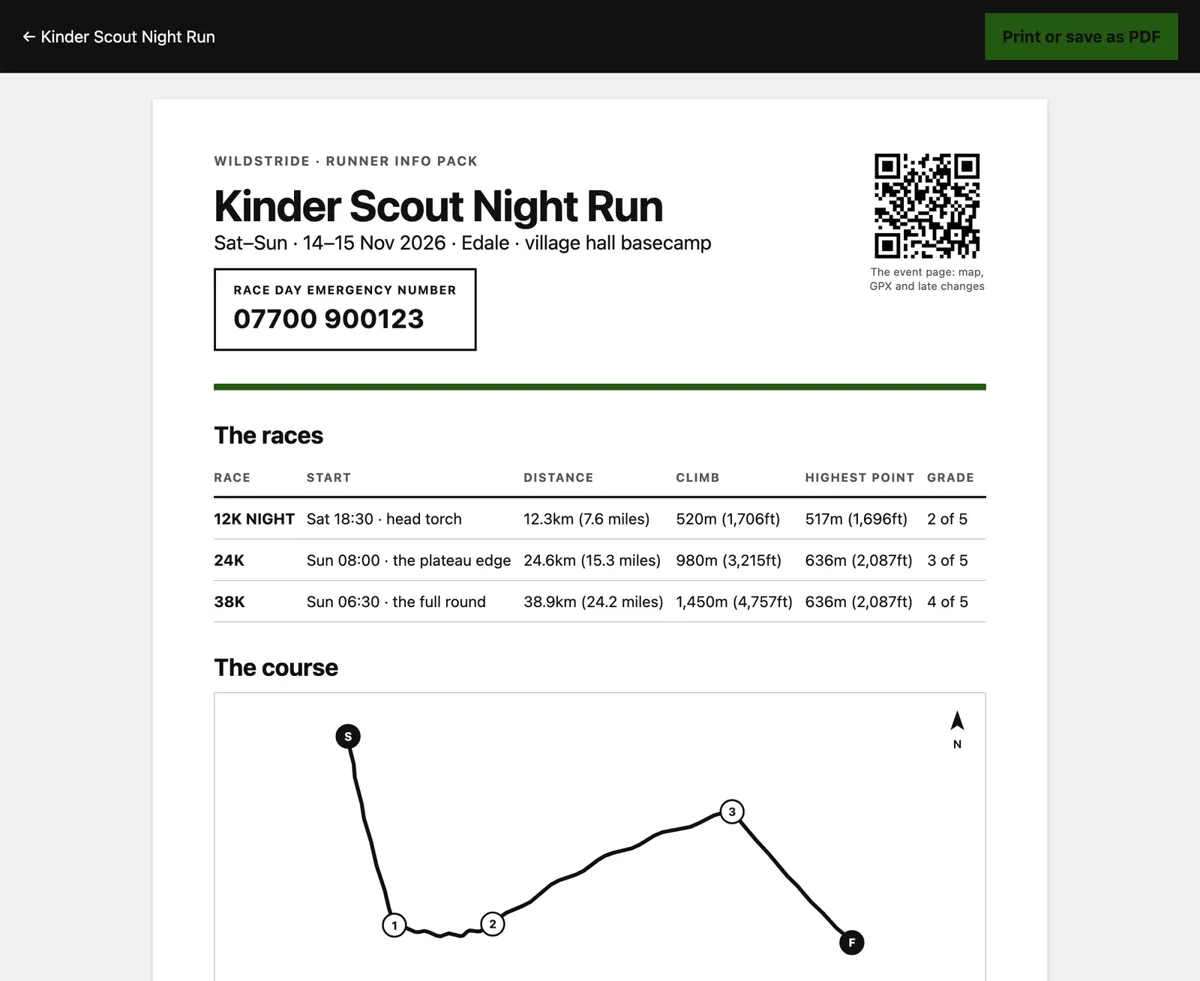
The “final instructions” document, without making one. Start times, the numbers in both units, the kit lists and the course come from the event. You add registration, parking and an emergency number, and runners print it or save it as a PDF.
It draws the course too: each race’s line from its GPX, or the start, checkpoints and finish joined in order, with a scale bar. Checkpoint cut-offs go in a column of their own, and QR codes take a phone straight to the event page and to each race’s GPX. It’s all drawn on the page, so it prints cleanly and asks no map server for anything.
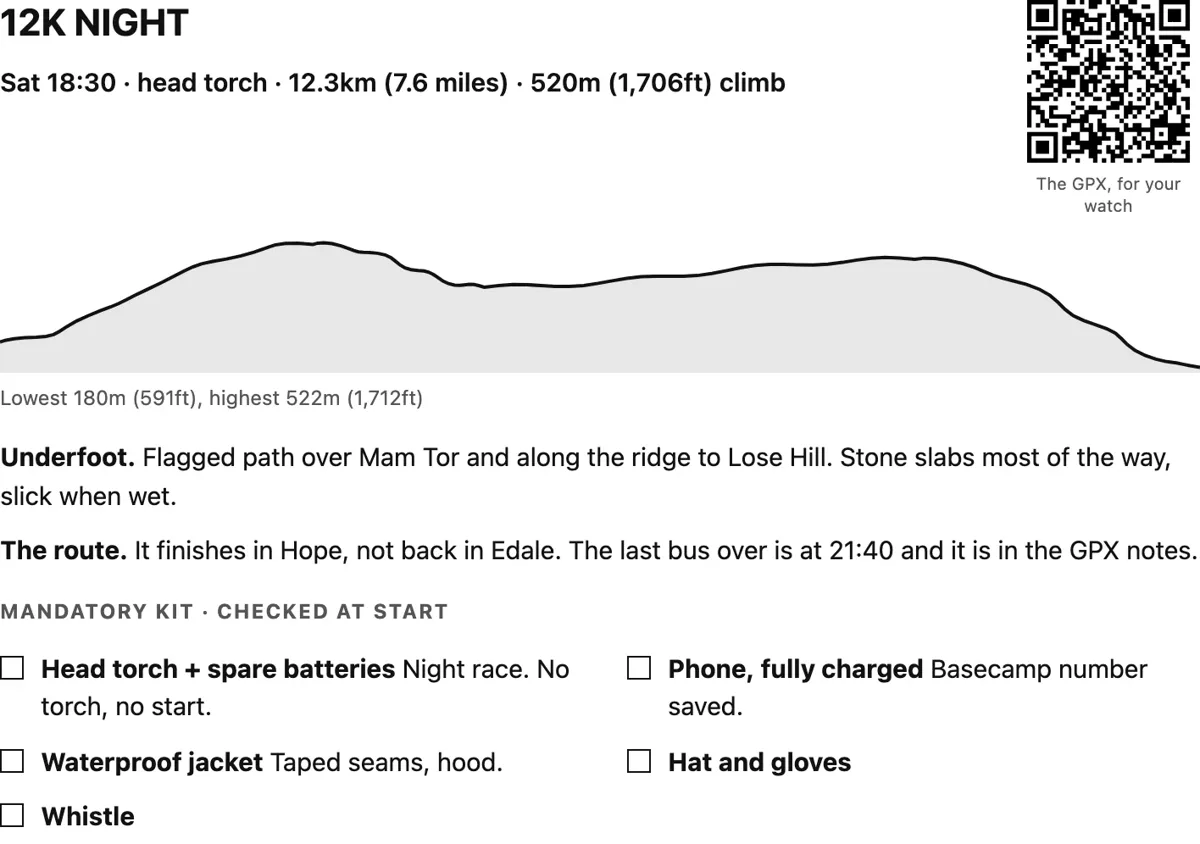
How to fill it in is in the docs, and the club demo’s pack is there to print.
Volunteers
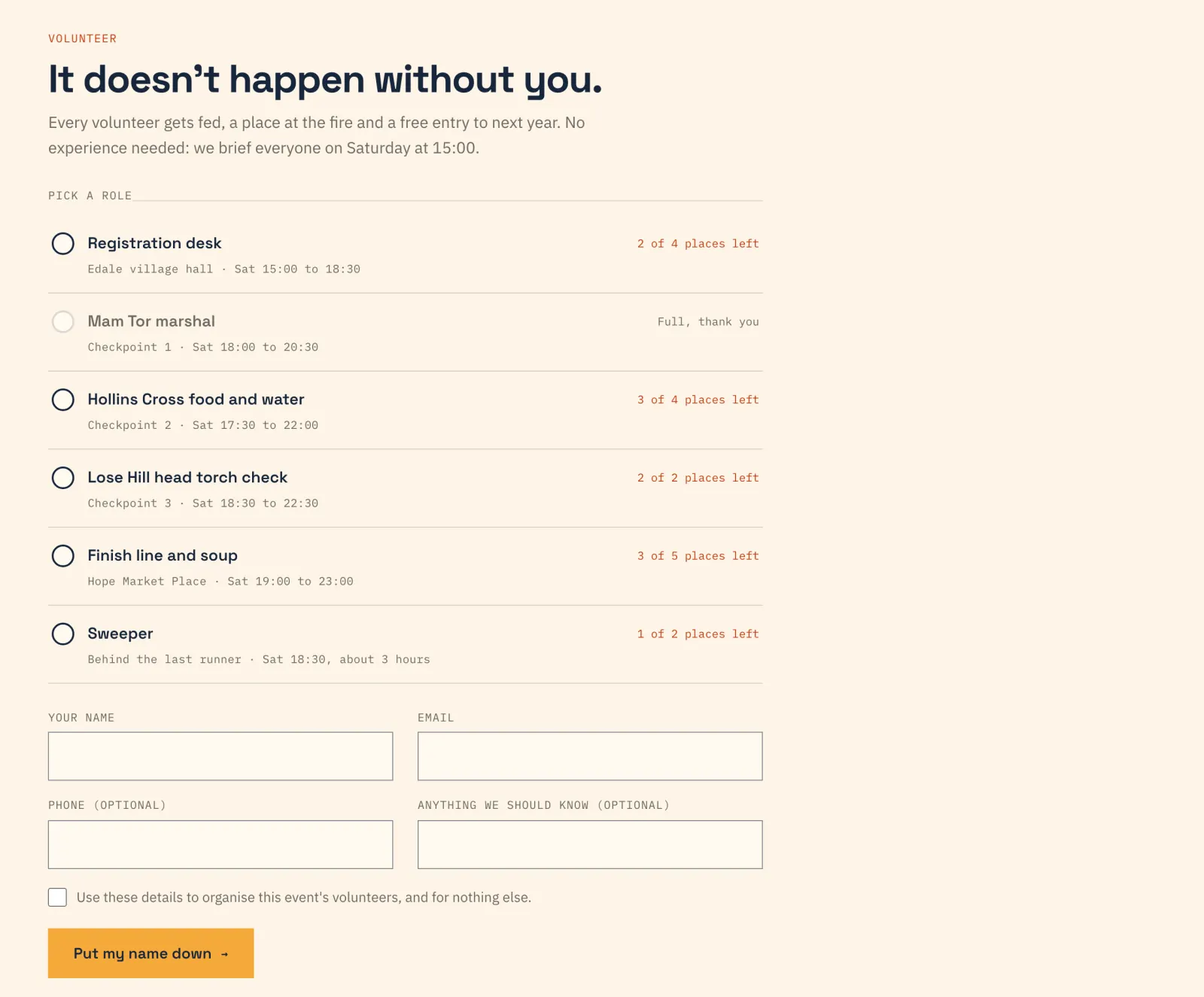
List the roles and how many people each needs. The event page shows the places left and takes a name, an email and a role. Names never appear on the site: you get an email for each sign-up and the full list on the event’s edit screen.
The aftermath
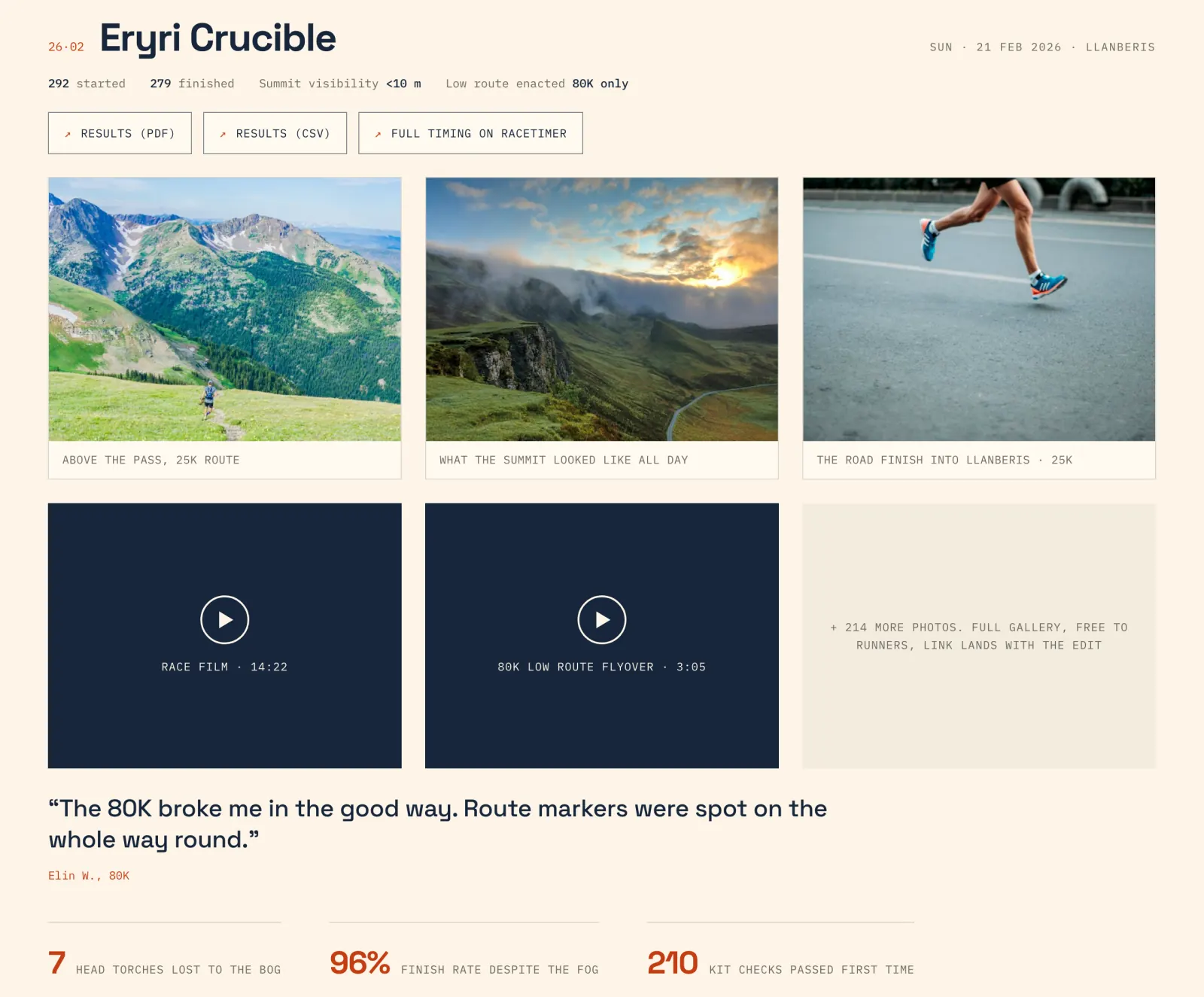
Once the weekend’s over, switch on the aftermath: starters and finishers, links to the results (a PDF, a spreadsheet or the timing company’s site), photos, films, a quote and a few numbers. Results are linked, not retyped into tables.
Course maps
Route Maps draws an event’s map: lettered and numbered marks for the start, checkpoints and finish, each with its own Directions link, and the course lines from its races’ GPX files.
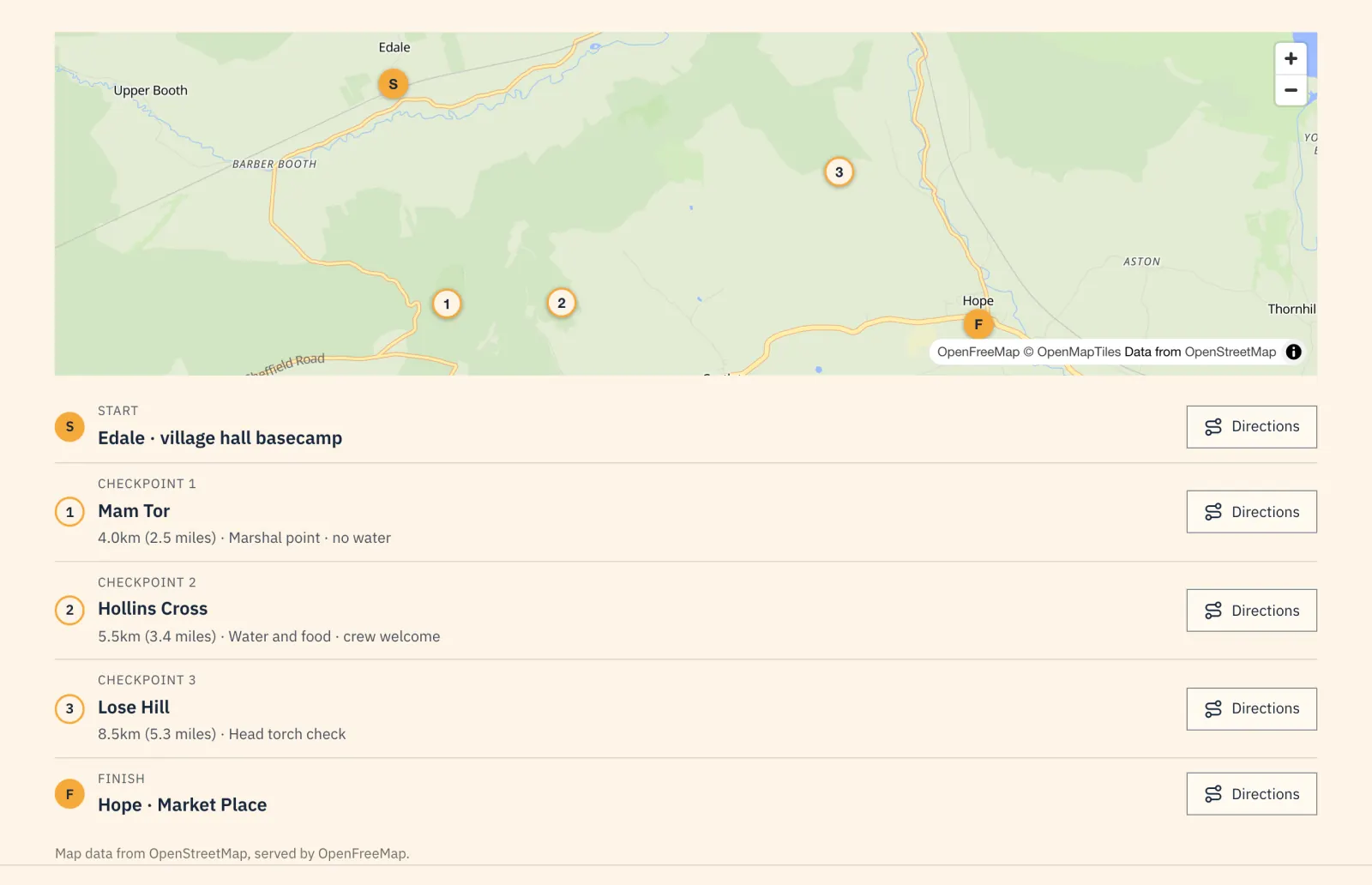
A map only loads when it’s scrolled to, or when someone presses a button if you’d rather. It can also sit in a popup behind a View location button. More about Route Maps.
The theme
The RacerPacer theme is a block theme, so its header, footer and templates are edited in the Site Editor. It takes its colours and fonts from the plugin’s settings, so the whole site matches the races. With events on, its home page shows what’s coming up.


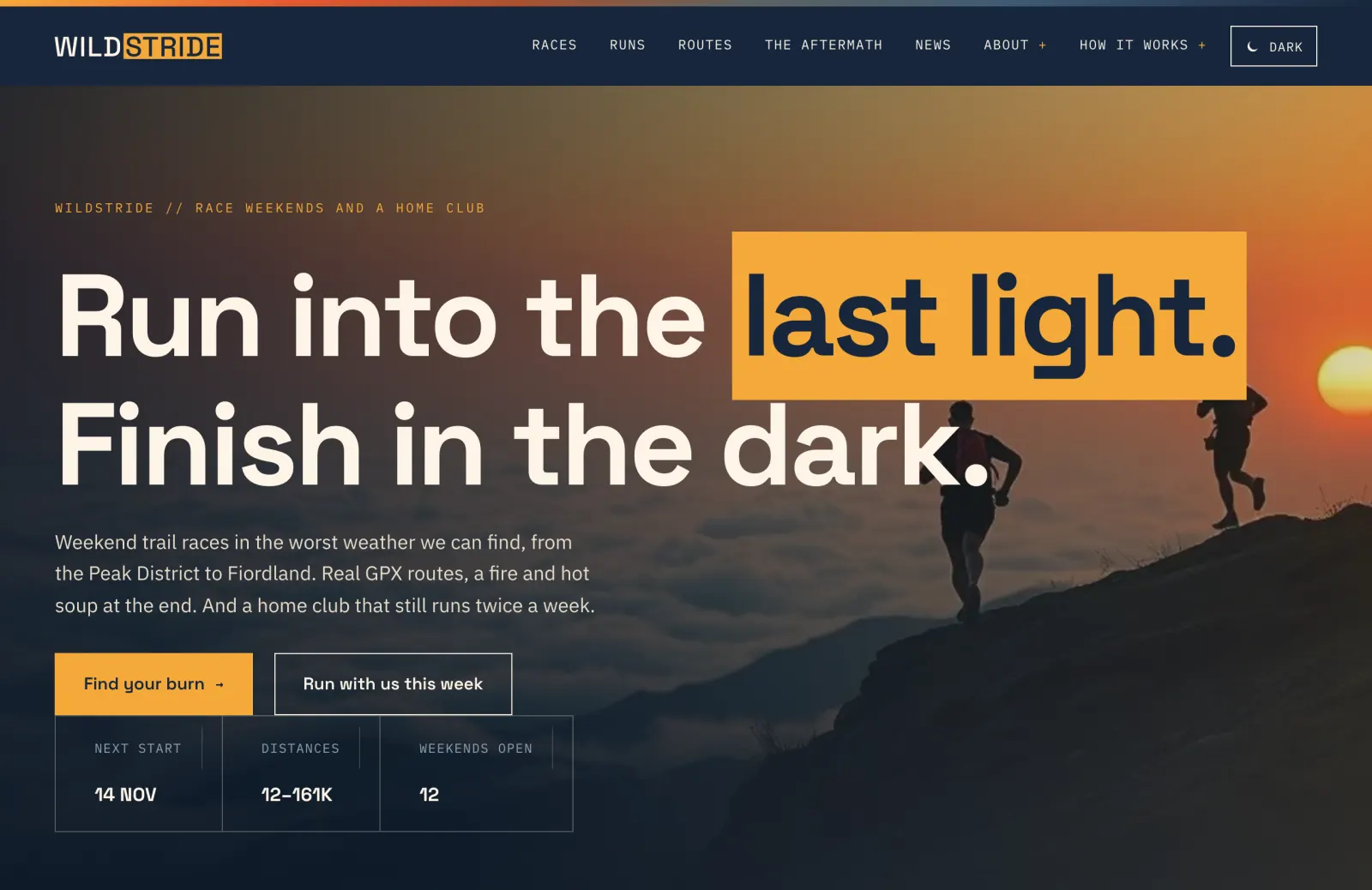
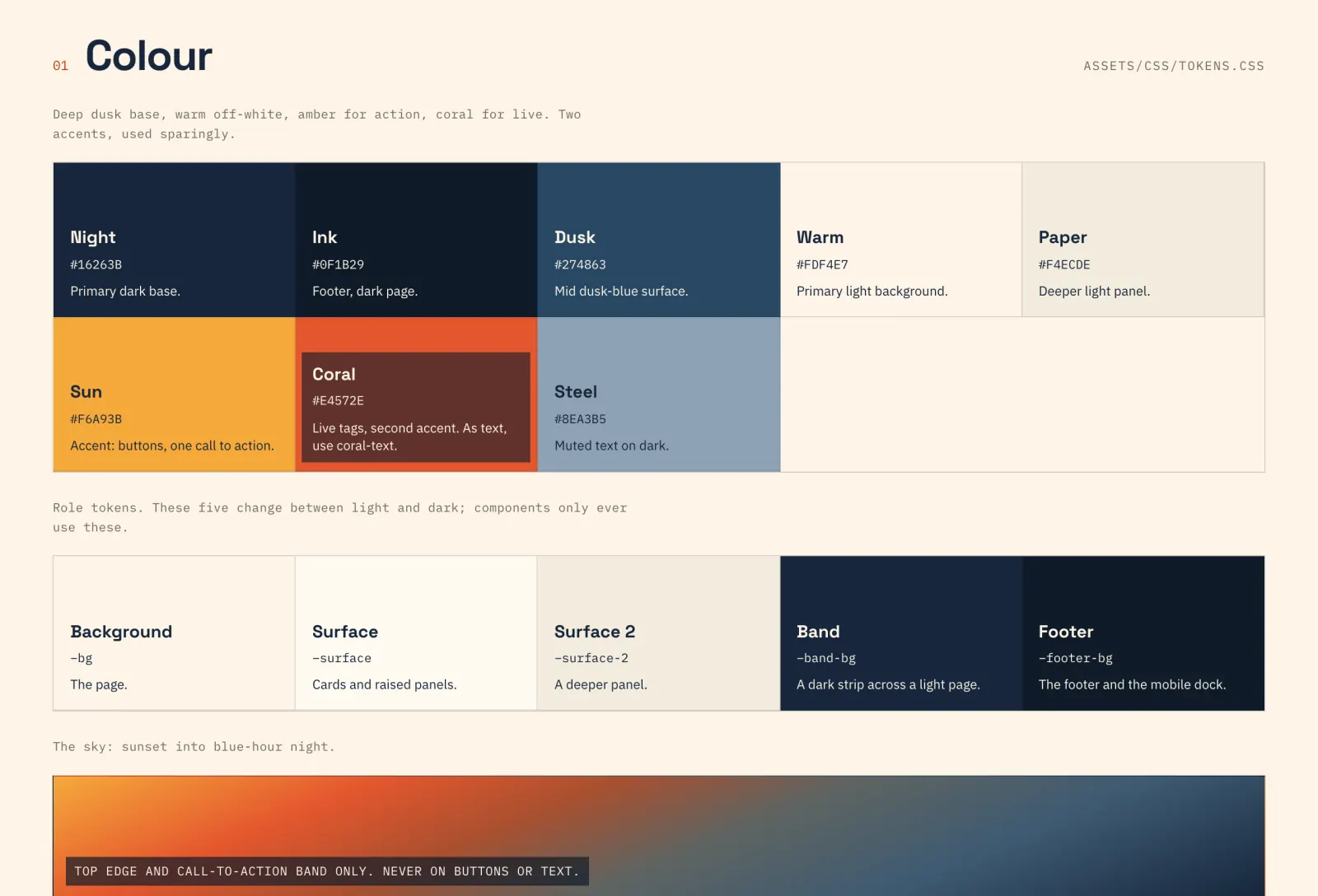
The demo wears a second theme, Wildstride, with three typefaces, a light and dark toggle, five palettes and two typesets to pick from in the Site Editor. The plugin’s blocks take its colours, so they change with the toggle too.
The options
How it looks
Without the theme, the plugin brings its own look. Pick from eight colour sets, each in light or dark, then an accent colour of your own if you like. Contrast is checked whichever you choose.
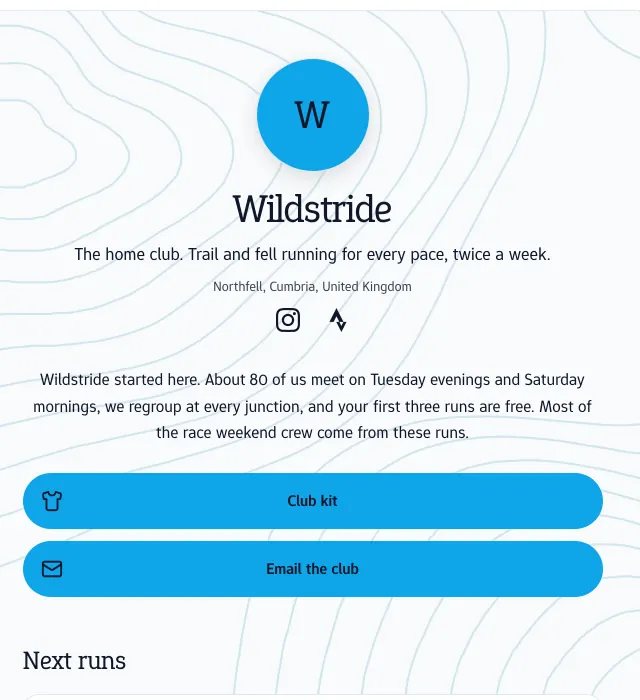

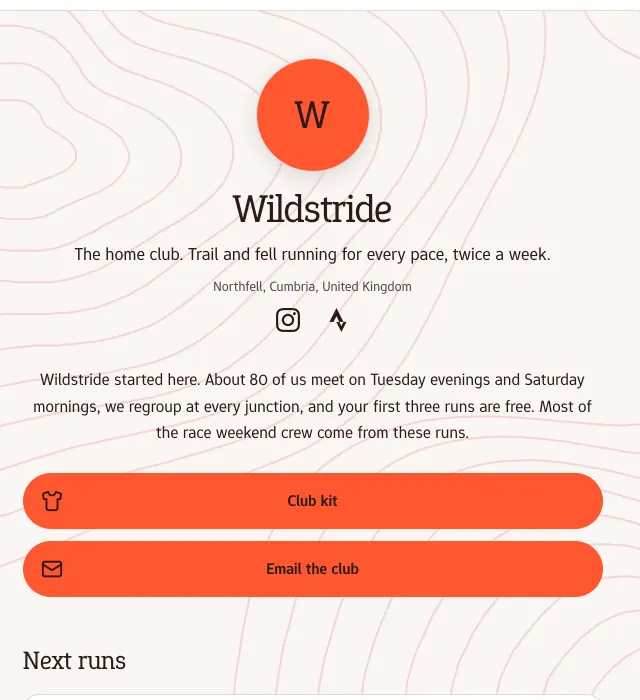
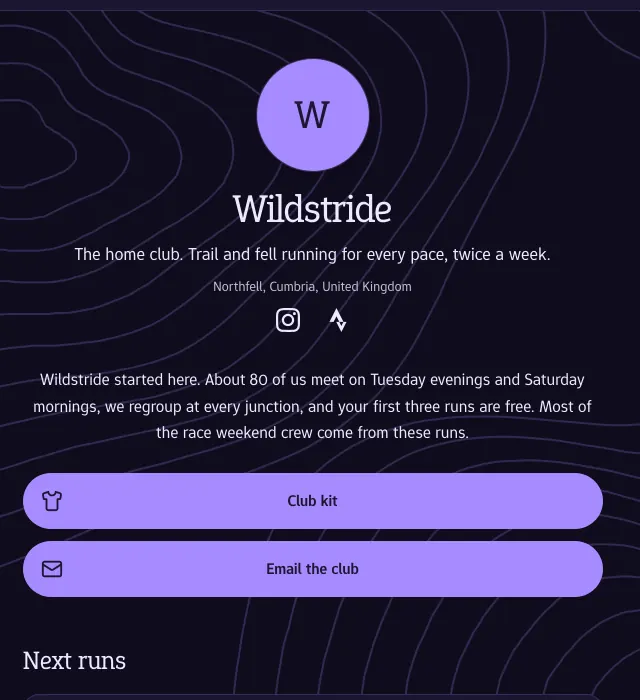
- Colour sets: Slate, Trail, Summit, Coast, Forest, Night, Blue hour and Chalk.
- Fonts: five pairings, from a slab, a clean sans, a classic serif, a rounded face, or a grotesk with mono labels.
- Background: plain, a soft gradient, contour lines or dots.
- Buttons: rounded, pill or square; filled, outline or soft. The logo sits in a circle or a rounded square.
- Use my theme’s colours: tick it and the blocks take their colours and fonts from your theme instead.
- Per block: every block takes the editor’s own margin, padding, border, corner and shadow settings.
Works in your theme
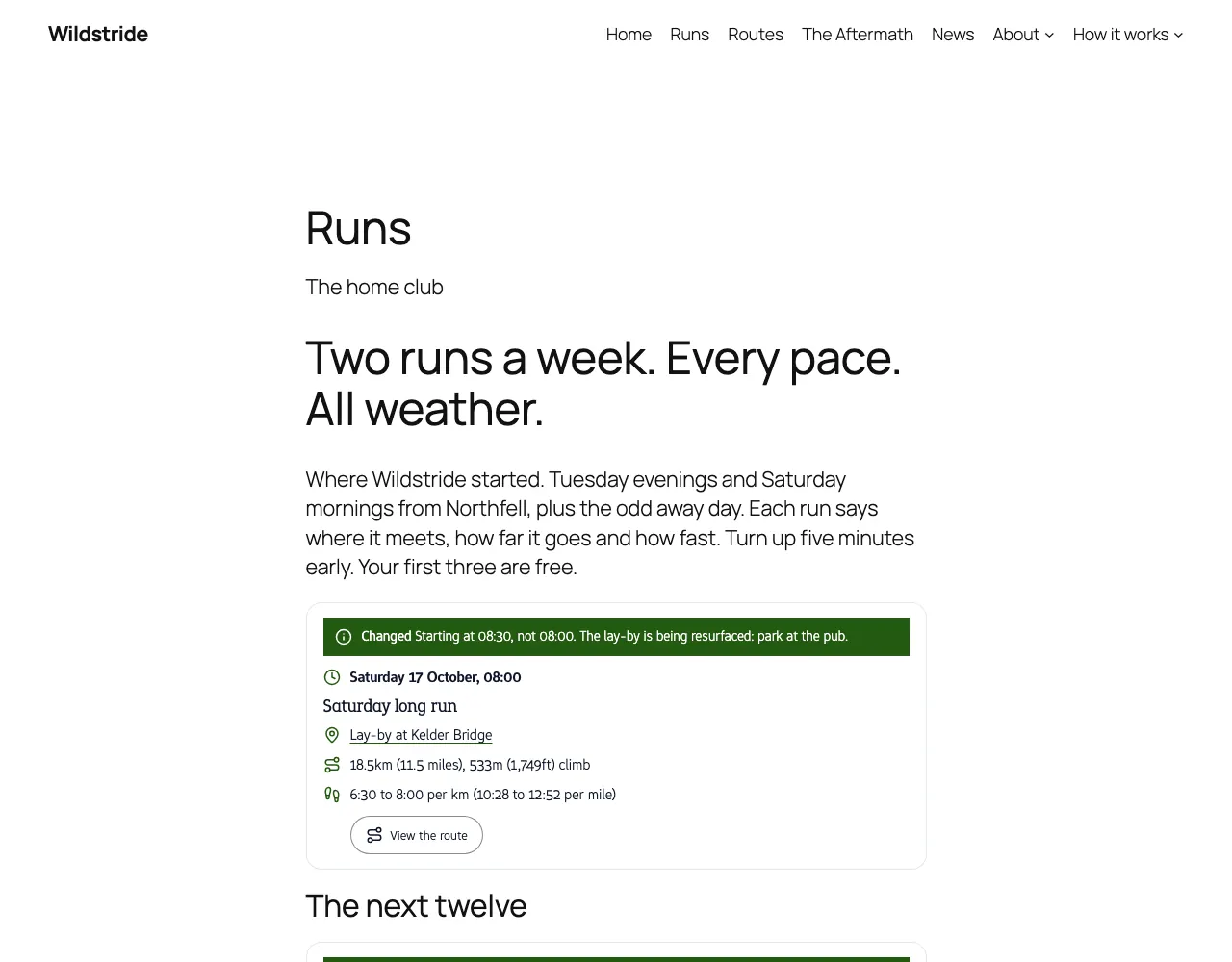
I’ve tried the plugin in Twenty Twenty-Five, Ollie, Astra, Kadence, GeneratePress, OceanWP and Neve. The blocks keep their own look inside a card and leave the theme’s text alone.
Switches
- Events, club runs or both. Switch either module off and its menus and blocks go.
- Location maps and the place search, each on or off.
- A Save button on events, for runners to bookmark races in their own browser. Off unless you want it.
- Build your own card. Every event field can feed WordPress’s own blocks in a Query Loop, if the ready-made cards aren’t what you want.
- Demo content. Fifteen made-up race weekends, three of them finished with results, loaded or removed with one button.
What you edit
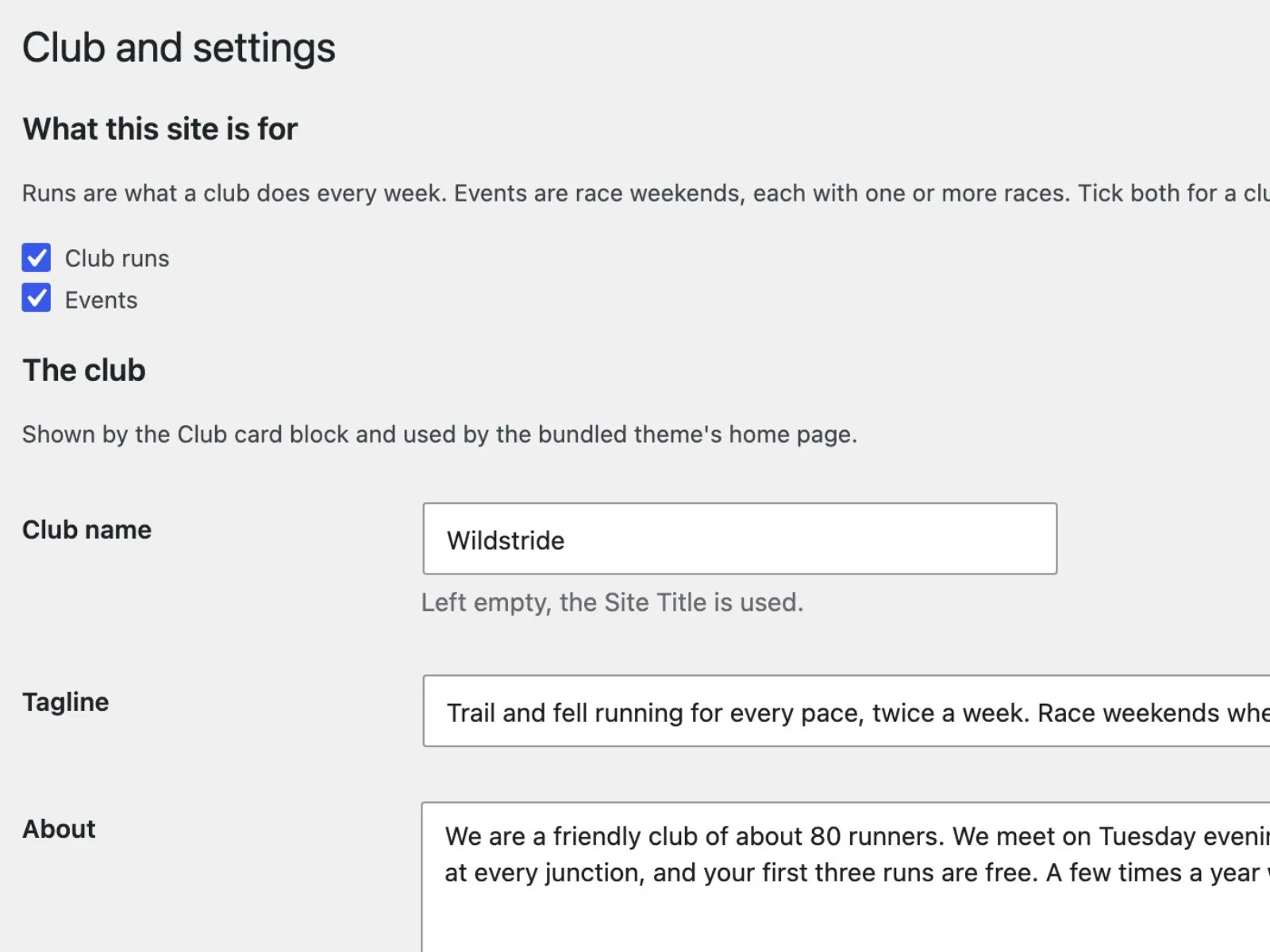
All of it is in wp-admin, in boxes under the editor.
Setting it up
The step-by-step instructions are in the kit’s docs, with a screenshot for every screen: installing it, adding a race weekend, volunteer sign-up, the runner info pack, the aftermath and every event block. If you need help, contact me.
Running a club as well? Switch on club runs too, and the weekly runs sit beside the races. The club guide covers that half.
Related blog posts
Creating a race poster SVG with Claude or another AI
Some tips from making poster SVGs by chatting with an AI: what to give it, how to ask, and what to check before it goes to print.
Editing your race poster in Figma, Affinity or Illustrator
Take a poster from the poster maker into a design app: what’s in the SVG, the fonts to install, and the steps in each app. Figma and Affinity are both free.