

This one started as two kits, one for race weekends and one for a club’s runs. They turned out to need the same things (dates, places, routes, a look), so now it’s one download that does either or both. Switch on the half you need, or both.
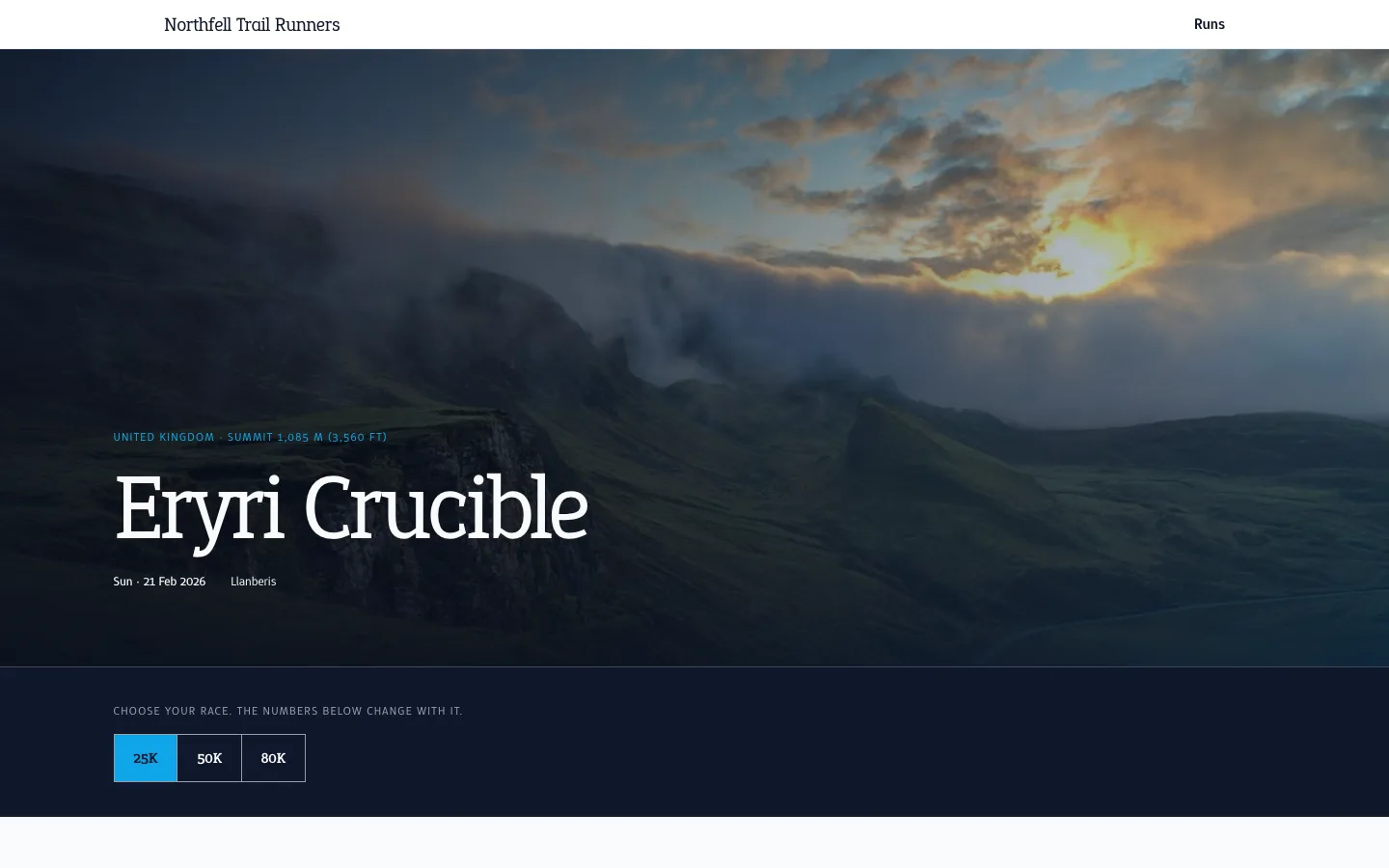
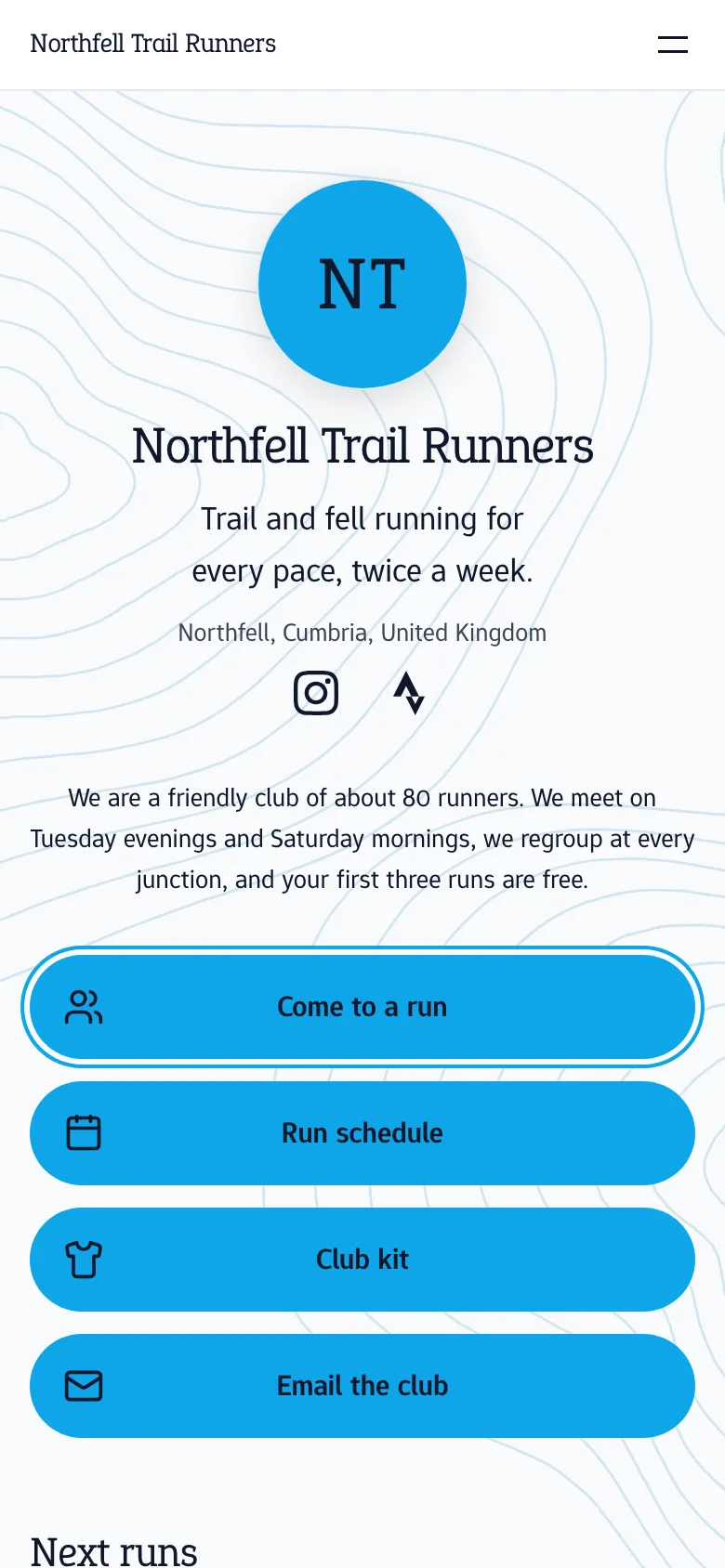
It’s an experiment I keep changing. Take it, use it as it is, or pull it apart for the bits you want. The two guides below go through each half with pictures from the Wildstride demo, and the plain demo shows the kit as it ships.
What’s in it
Our Event & Club plugin
Club runs and race weekends, as two modules you switch on separately. Eighteen blocks draw them, and each block is also a shortcode.
Our Event & Club starter theme
A block theme that carries the plugin’s colours and fonts across the whole site, with a home page that shows runs, races or both. Optional: the plugin works in the theme you already have.
Our Route Maps plugin
The maps and the GPX handling, plus a Map block for any page on any site. Optional: without it, a run or a race shows an address and a Get directions link.
The guides
Race events guide
Race weekends with their races and numbers, a race finder, a printable runner info pack, volunteer sign-up and the results once it’s run.
Club guide
Weekly runs and one-offs with their meeting points, paces and routes, the This week screen for changes and cancellations, a calendar feed and a route library.
The docs
How to set it up and use it, step by step, is at docs.racerpacer.com: installing, the settings, a quick-start tutorial, every block with its settings and shortcode, and a launch checklist.
What you need
- WordPress 6.5 or later (6.6 for the theme), on PHP 8.0 or later
- Nothing else. No page builder, no paid licence
Good to know
Maps load their tiles from OpenFreeMap when a visitor scrolls to one, and the place search asks OpenStreetMap when you press Find on map. The demo events fetch their photos from Unsplash when you press the button. Nothing else on the site contacts another service, and the maps and the search can each be switched off.
New versions turn up under Dashboard, Updates, like any other plugin’s. To offer them, your site asks builtby.racerpacer.com about twice a day whether there’s a newer one. It sends the version number and nothing else, and one line in wp-config.php turns it off. The plugins’ readme files have the details.
Shops, memberships and newsletters are left to the tools you already like. It’s a normal WordPress site, so WooCommerce or a form plugin sits alongside it fine.
Deleting the plugin removes the runs and their routes and keeps your events. Deactivating it removes nothing. If you used the earlier RaceDay plugins, your events carry straight over. My notes on setting a site up are in the launch checklist.
Running pages for lots of clubs? The earlier version of this kit, where each club signs up and edits its own page, is what runs wewill.run. Contact me if that’s what you’re after.